
Best Way to Get a Random Ringtone for Every Call on Android
If you’re tired of hearing the same ringtone every time your phone rings, you’re not alone. Most Android phones only allow you to use a single ringtone until you manually change it.
That’s where a random ringtone app for Android comes in.
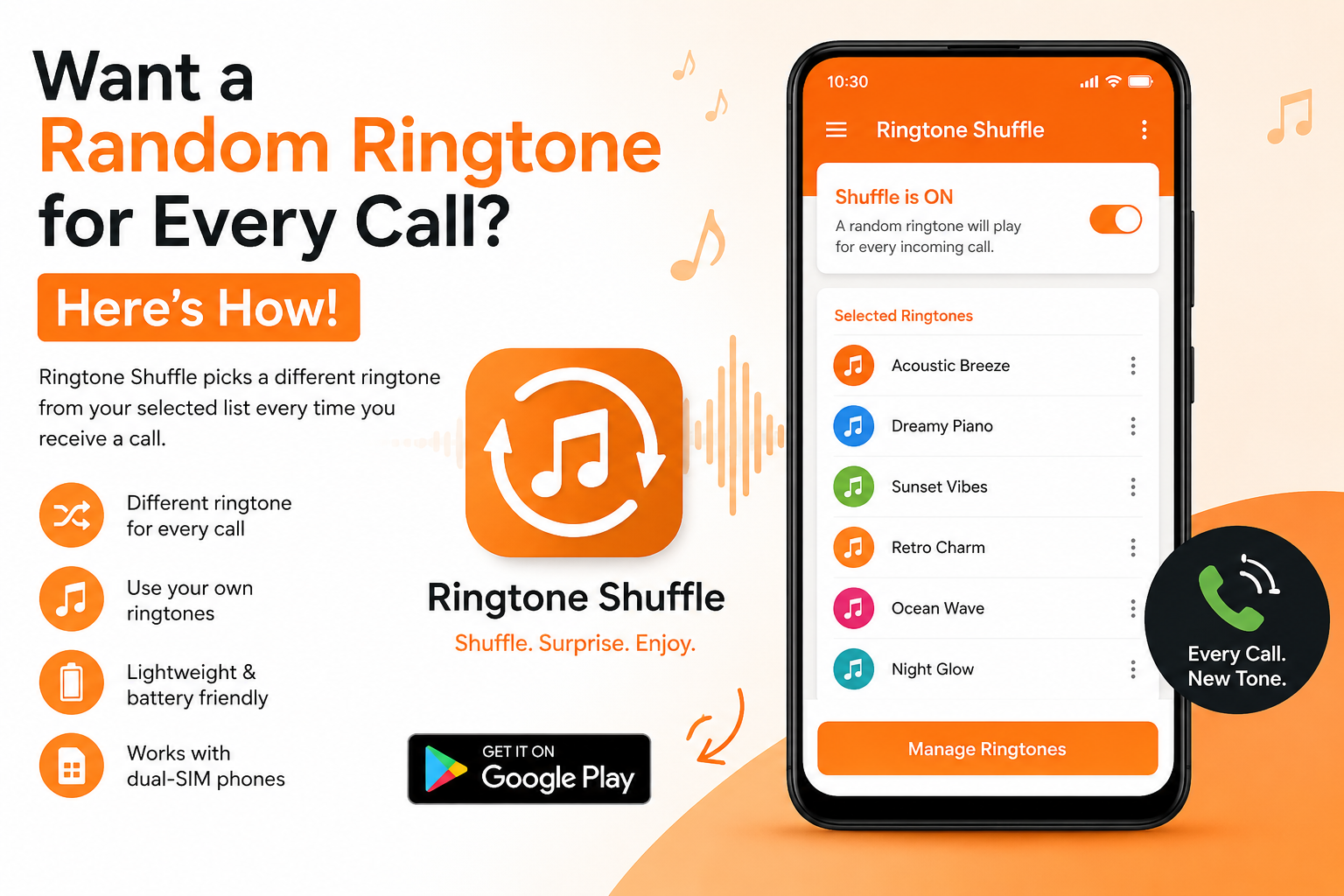
Instead of playing the same sound repeatedly, a random ringtone app automatically selects a different ringtone from your chosen collection whenever you receive a call. It’s a simple way to make incoming calls feel more personalized and less repetitive.
What Is a Random Ringtone App?
A random ringtone app automatically rotates between multiple ringtones, choosing a different one for each incoming call.
Rather than manually changing your ringtone every few days, the app handles everything for you in the background.
Benefits of Using a Random Ringtone App
- Hear a different ringtone for every call
- Reduce ringtone fatigue
- Personalize your Android experience
- Use your own ringtone collection
- No need to manually change settings
Whether you have five favorite ringtones or fifty, a ringtone randomizer keeps things fresh automatically.
How Does It Work?
A random ringtone app follows a simple process:
- Select multiple ringtones from your device.
- Save them as your active ringtone collection.
- The app randomly chooses a ringtone whenever a call comes in.
- Each incoming call can play a different ringtone.
The process is automatic and requires no manual switching after setup.
Setting Up Ringtone Shuffle
Getting started with Ringtone Shuffle takes only a few minutes.
Step 1: Install the App
Download and install Ringtone Shuffle from the Google Play Store.
Step 2: Choose Your Ringtones
Select the ringtones you want included in your ringtone rotation.
Step 3: Save Your Selection
Confirm your ringtone list and activate the shuffle feature.
Step 4: Enjoy Random Ringtones
That’s it. Every incoming call will now automatically use a randomly selected ringtone from your chosen collection.
Frequently Asked Questions
Does It Work With Dual-SIM Phones?
Yes. Ringtone Shuffle supports standard Android dual-SIM configurations.
If you experience issues on a specific device model, you can contact support for assistance.
Will It Drain My Battery?
No.
The app only activates when an incoming call is received. It does not continuously run intensive background processes, helping keep battery usage minimal.
Can I Use My Own Ringtones?
Absolutely.
You can use any ringtone already stored on your Android device. There’s no need to download additional ringtone packs unless you want to.
Does It Require Root Access?
No.
Ringtone Shuffle works on compatible Android devices without requiring root access.
Why Android Users Love Random Ringtones
Many people stop noticing their ringtone after hearing the same sound hundreds of times.
By rotating between multiple tones, your phone feels more engaging and personalized. It’s a small change that can make everyday calls more enjoyable.
If you’re looking for an easy way to add variety to your incoming calls, a random ringtone app is one of the simplest solutions available.
Download Ringtone Shuffle Today
Ready to hear a different ringtone every time your phone rings?
Ringtone Shuffle makes it easy to automatically rotate your favorite ringtones and enjoy a fresh calling experience every day.
Download Ringtone Shuffle and start shuffling your ringtones today.